

How to check at home whether an iPhone bought in an online sale is genuine or fake
With big discounts on iPhones during the Amazon and Flipkart festival sales, buyers are advised to run a few checks to make sure the phone is genuine.
 Images are not validated/verified
The Great Indian Festival sale is on at e-commerce platform Amazon and the Big Billion Days sale at Flipkart. Both sales are offering big discounts on iPhones, giving customers a chance to buy an expensive iPhone while saving thousands of rupees. However, buyers need to keep a few important points in mind when purchasing an iPhone in a sale, or they may suffer a heavy loss.
It is quite difficult to tell whether an iPhone is genuine or fake by looking at the packaging and the outer design of the device. Nor can this be decided merely from the phone's design and the Apple logo on the back. To find out whether an iPhone bought in a sale is genuine, other methods have to be used. Here they are, one by one.
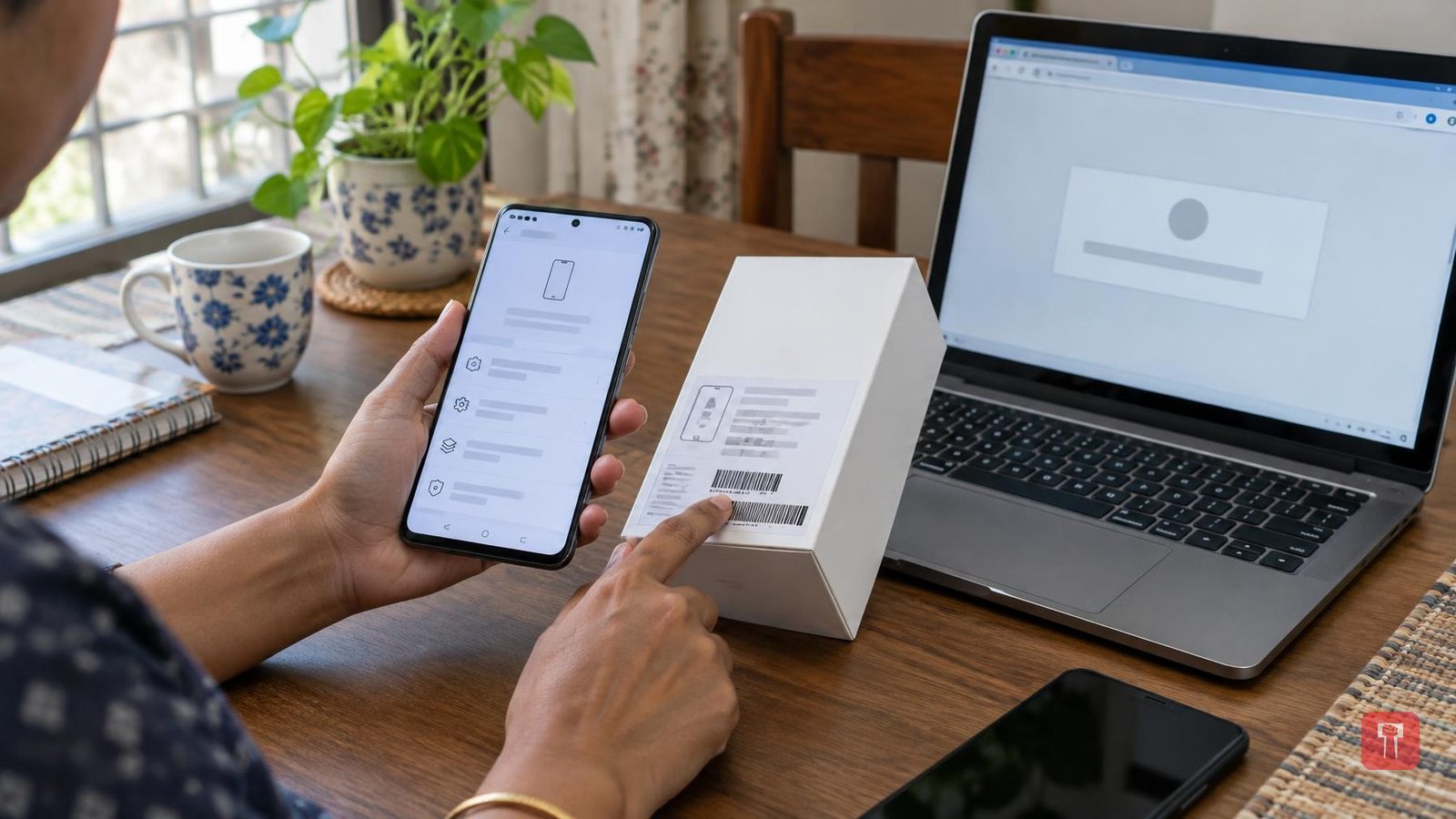
First, check the IMEI number. For this, go to the phone's Settings, tap General and select About. The IMEI number will be shown there. The IMEI number can also be seen by dialling *#06# on the phone. Then match it with the IMEI number printed on the box. If the two numbers differ, check the phone's authenticity and the details of the sale.
The second method is to check through Apple's website. Go to Settings on the phone, then General, and open the About section. The serial number will be shown there. Now go to Apple's official Check Coverage website and enter the serial number. All the information about the device will then appear before you. Check this information carefully.
The third thing is iOS and the App Store. A genuine iPhone runs Apple's official iOS operating system. The phone will also show options such as the App Store, Apple Account and iOS software update. If needed, Apple Support or a service centre can also be asked whether the iPhone you have bought is genuine or fake.
Finally, pay attention to the bill and the seller's details. When buying a phone from Amazon or Flipkart, be sure to check the seller's details, the product details and the return policy. After delivery, keep the invoice safe and check the phone's packaging and seal. If possible, record a video while opening the package, so that you have proof if anything turns out to be wrong.
