

iPhone keeps hanging? Common causes and how to fix it at home
Low battery, full storage or an incompatible app can freeze an iPhone, and a force restart or an iOS update often fixes it without a service centre visit.
 Images are not validated/verified
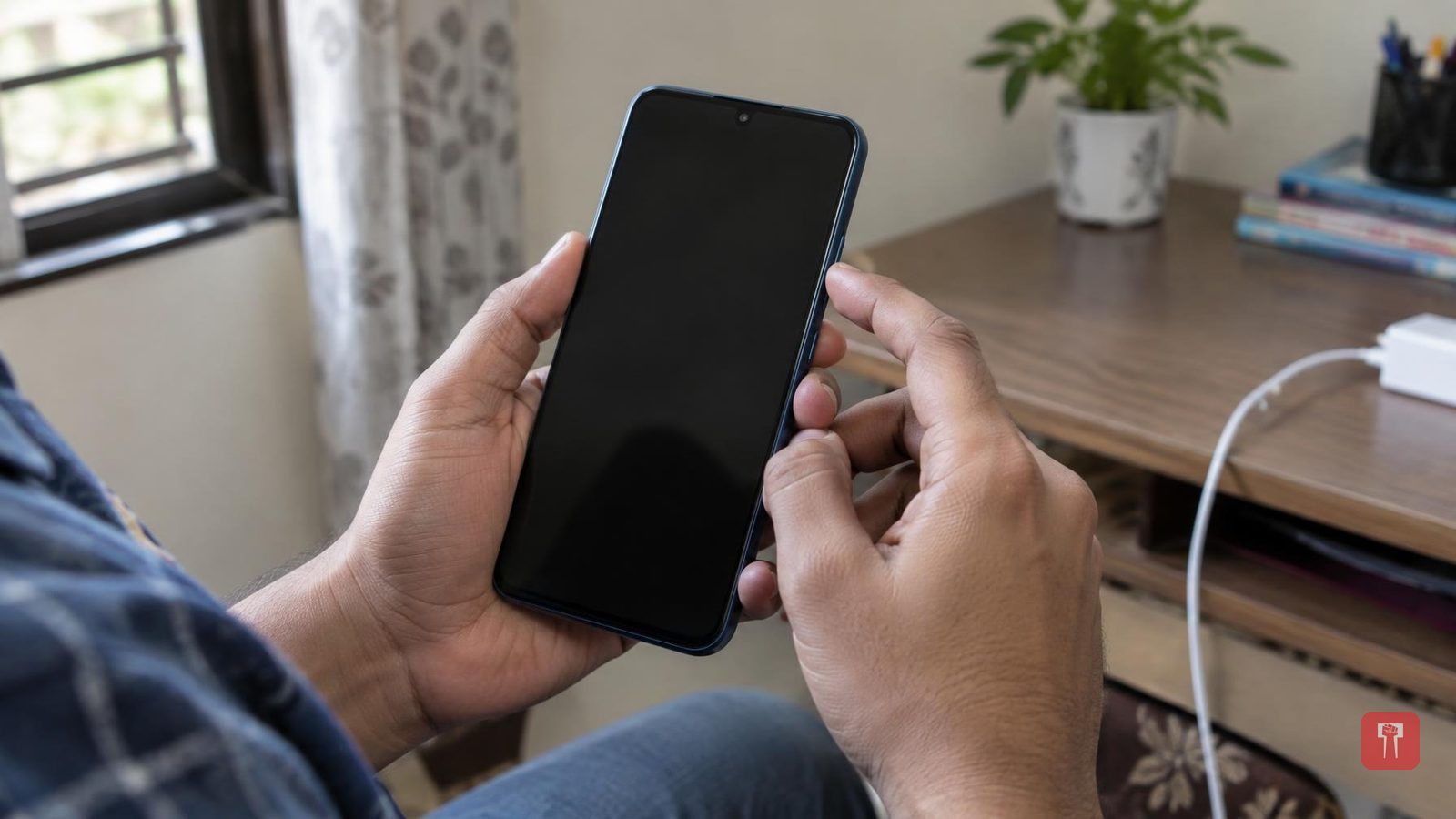
When an expensive iPhone suddenly hangs, apps refuse to run and the phone will not even switch off, it is natural to lose one's temper. Most people simply assume the phone has gone bad.
But a hang does not always point to a serious fault. A low battery, full storage or other minor causes can also make the phone stall. There is no need to visit a service centre for this; the problem can be fixed at home by following a few simple steps.
First, the causes. If many tasks are running in the background of an iPhone at once, the load on the phone rises and it can hang. Similarly, using several apps at the same time puts a strain on the system and the device can stall. A low battery also affects the speed of the phone.
Full storage is another major cause. When storage fills up, the system has no space left to carry out essential tasks, install updates and save temporary files. The phone can then freeze.
If your iPhone hangs repeatedly only while running a particular app, that app deserves attention. Some apps are not fully compatible with the iOS version, and bugs in such apps can cause the phone to freeze. Such apps should be updated, and deleted from the phone if they are not needed.
Now, a method that can be tried when the phone hangs. If touching the screen has no effect and the phone will not switch off the normal way, a force restart can be performed. The steps are as follows.
First, press the volume up button and release it immediately. Then press the volume down button and release that too immediately. Then press and hold the side button. Release the side button when the Apple logo appears on the screen. The iPhone may take some time to switch on again.
One more thing to keep in mind. An outdated iOS can also cause problems such as freezing and crashes. Apple's software updates do not carry only new features; they also include fixes for bugs that can affect the phone's performance. These updates also improve app compatibility and battery management. It is therefore beneficial to keep iOS updated.
