

Blurry smartphone photos? Check the lens and camera settings before going to a service centre
Blurry pictures do not always mean a faulty phone or hardware problem, and a few simple fixes to the lens and settings can often improve photo quality.
 Images are not validated/verified
Smartphones are no longer used only for calls and messages; they are also used to take photographs. Many companies bring out phones with powerful cameras, which makes taking pictures a better experience.
Yet it often happens that a person buys an expensive phone and the photos come out blurry. They then begin to feel that the camera is faulty or that they bought the wrong phone.
A wrong phone or a hardware fault is not always the reason for blurry photos. Photos can also turn out blurry because of a problem in the phone's settings. If your phone's camera is taking blurry, poor photos, there is no need to worry. A few changes in the settings can make the camera work much better. Try these steps before going to a service centre.
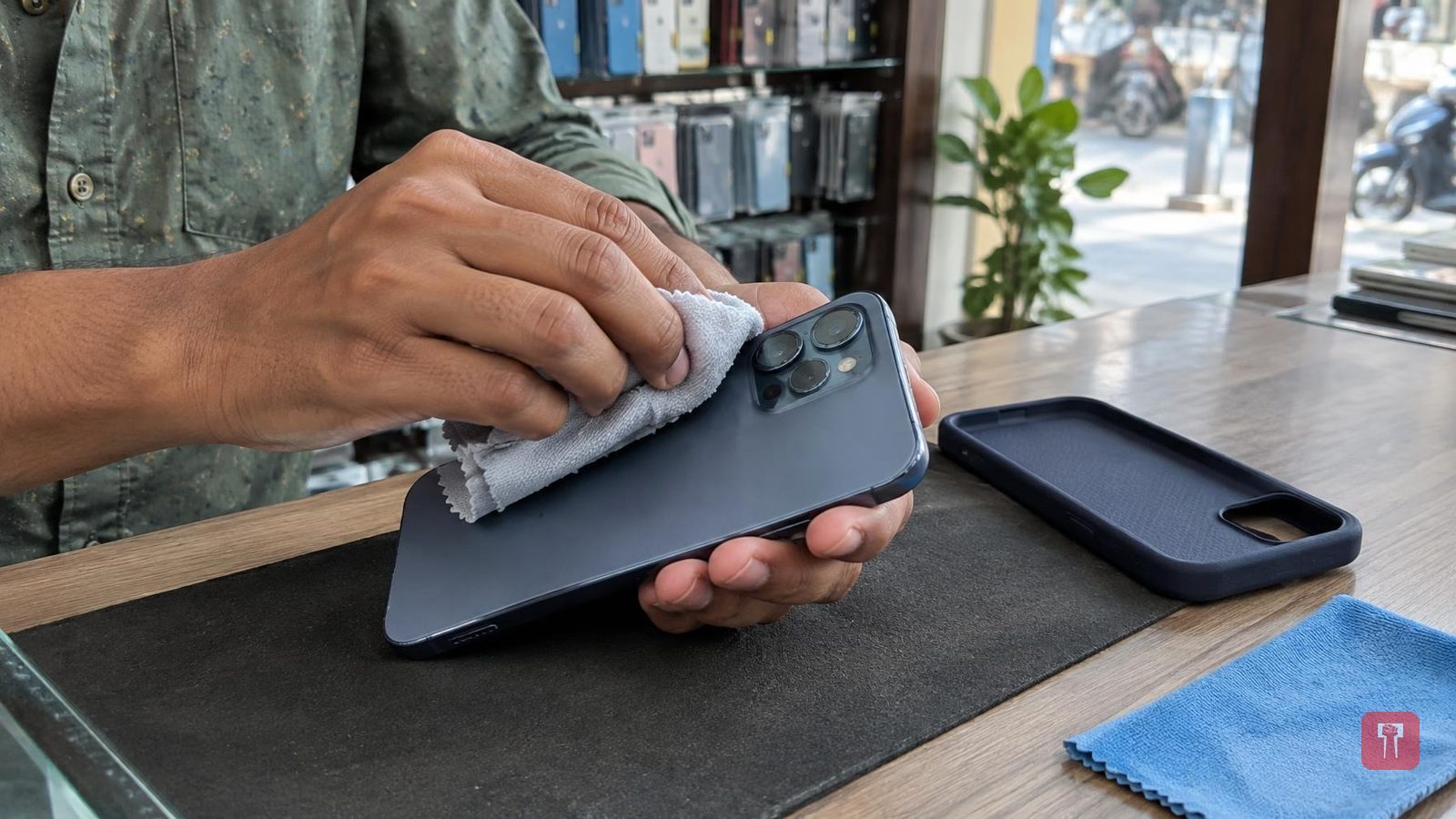
First, without changing any setting on the phone, clean the glass of the rear camera. Fingerprints, oil or dust particles settle on the lens. As a result, the camera does not capture light properly and the photos turn out blurry. Wipe the lens with a microfibre cloth.
Photos can also be blurry if a poor-quality tempered glass or camera protector is fitted on the phone, which spoils the experience of taking pictures. If the camera protector is scratched, remove it at once. Such small things can solve the blur problem quickly and the photos come out in better quality.
If the photos are still not coming out well even though the lens is clean, check the camera app's settings. First go to the resolution and frame rate settings. If photos and video are set to a low-quality mode, change them at once. Instead of a low-quality mode, always keep the HDR mode on auto. The phone then adjusts the light by itself and the photos can come out in better quality.
Sometimes macro mode or manual focus gets switched on by mistake. In that case the camera cannot focus on the right spot while taking a photo. If these settings are reset and the default mode is turned on, photo quality can improve and the difference is easy to notice.
Photos also turn out blurry if the phone is not steady while taking them. For this, go to the camera settings and turn on grid lines, so that the frame is right. Also, tap the screen and make sure the focus is locked.
