

Ads popping up on your phone screen? Check apps, notifications and browser settings
Full-screen ads appearing without any app being opened can point to a suspicious app, browser notifications or adware, and a few setting checks can stop them.
 Images are not validated/verified
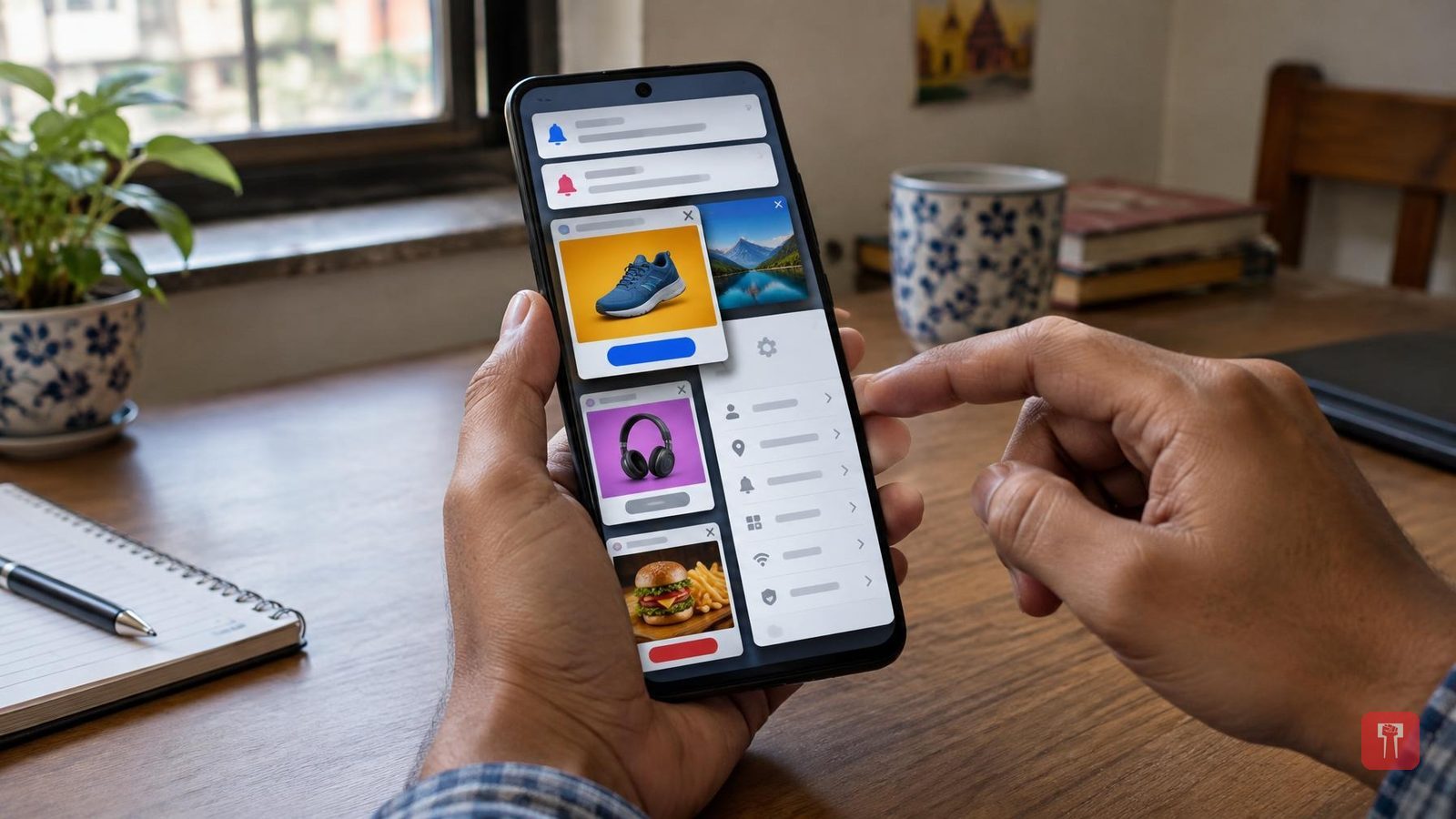
If ads keep appearing on your smartphone screen and you have been ignoring them, it is time to be careful. A full-screen ad that shows up on the home screen without any app being opened can be a sign of danger. Such trouble can be caused by a suspicious app, browser notifications or adware. It is therefore necessary to check the phone's apps and settings.
The first case is when you have not opened any app and ads still start appearing on the screen. Some apps cause such trouble once they are installed on the phone. If you have downloaded an app recently and the problem began after that, delete the app from the phone immediately. Do not forget to restart the phone afterwards.
The second case involves notifications. Some websites and apps keep sending ads through notifications. If unfamiliar offers and ads keep arriving in your phone's notification panel, first find out which apps are sending these notifications. Then go to that app's settings and turn off notifications.
The third case involves the home screen. If ads repeatedly appear on your phone's home screen, check the phone for suspicious apps or a third-party launcher. Go to the mobile settings, see which apps have been installed recently, and delete those that look suspicious.
The fourth matter concerns the browser and pop-ups. If the phone's browser starts opening by itself or you are being redirected to unfamiliar websites, check the browser's site settings and notification permissions. Revoke permissions given to unfamiliar websites at once and clear your browsing data. Do not click on any suspicious pop-up.
These steps can be taken to get rid of the ads. First, delete suspicious apps installed recently. Then run a Play Protect scan from the Google Play Store. Update the phone's software. Do not download APK files from any unfamiliar website. And give suspicious apps only as many permissions as they need.
