

Want to read a deleted WhatsApp message? One phone setting can help
Android's built-in Notification History feature can let you read WhatsApp messages that were deleted before you saw them.
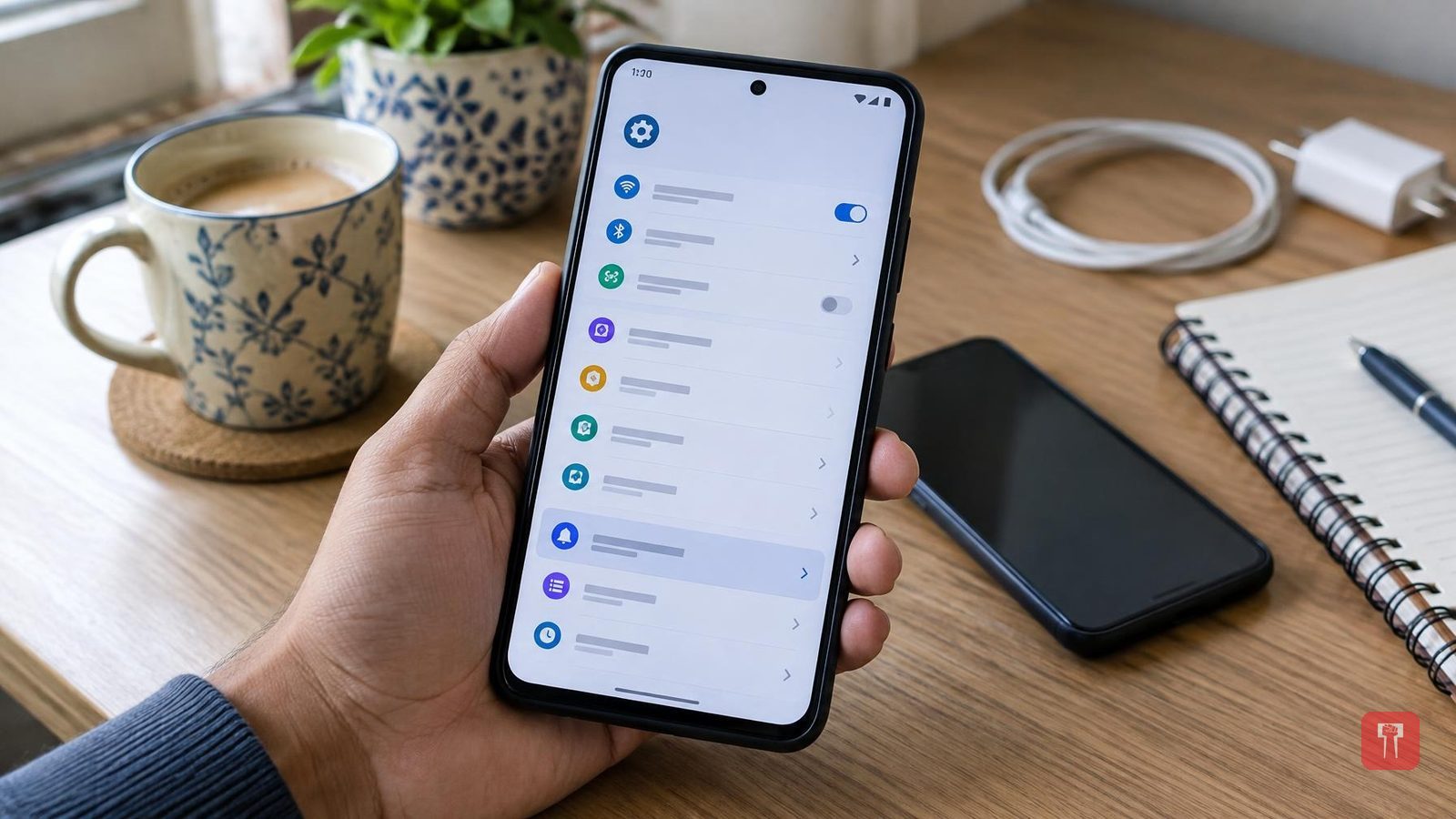
It often happens that someone sends a message on WhatsApp, but deletes it for everyone before you get a chance to read it. This leaves you curious about what the message said. WhatsApp does not offer a direct way to recover a deleted message, but a special feature on Android phones can make this much easier.
Android phones already have a built-in feature called "Notification History." This feature keeps an accurate record of notifications from every app that arrives on the phone. This means that even if someone deletes a message from the chat after sending it, the notification for that message often remains saved in the phone's history, allowing the deleted text to be read.
To use this feature, it must already be turned on in the phone. The setting can vary slightly depending on the brand. Samsung users need to go to the phone's Settings, tap Notifications, then go to Advanced Settings and select Notification history, and turn on the toggle shown there. Users of other Android phones need to open Settings, go to Notifications, click on Notification history and turn on the "Use notification history" option. If there is trouble finding the setting, typing "Notification history" directly into the settings search box also helps locate the feature easily.
Once this feature is active, every notification that arrives on the phone starts getting logged. Suppose someone sends a message and then deletes it, one would need to go to Settings, Notifications, Notification History and look for the name of that messaging app. If a notification was generated on the phone when the message arrived, part of it or the entire message may be readable there.
Some points are worth keeping in mind. This feature must be turned on before the message arrives, otherwise the deleted message will not show up at all. Android generally preserves notification data for only the last 24 hours, so it is not possible to look up much older messages this way. If a WhatsApp chat is muted and no notification pop-up appeared for a message on it, there will be no entry for it in the notification history. Also, if a message is very long, only the small portion that appears in the notification window gets saved, so there is no guarantee of getting the complete text.
