

Four charging mistakes that can damage your phone's USB Type-C port
Forcing in the cable, dust in the port, using the phone while charging and plugging into a wet port can all damage a USB Type-C port.
 Images are not validated/verified
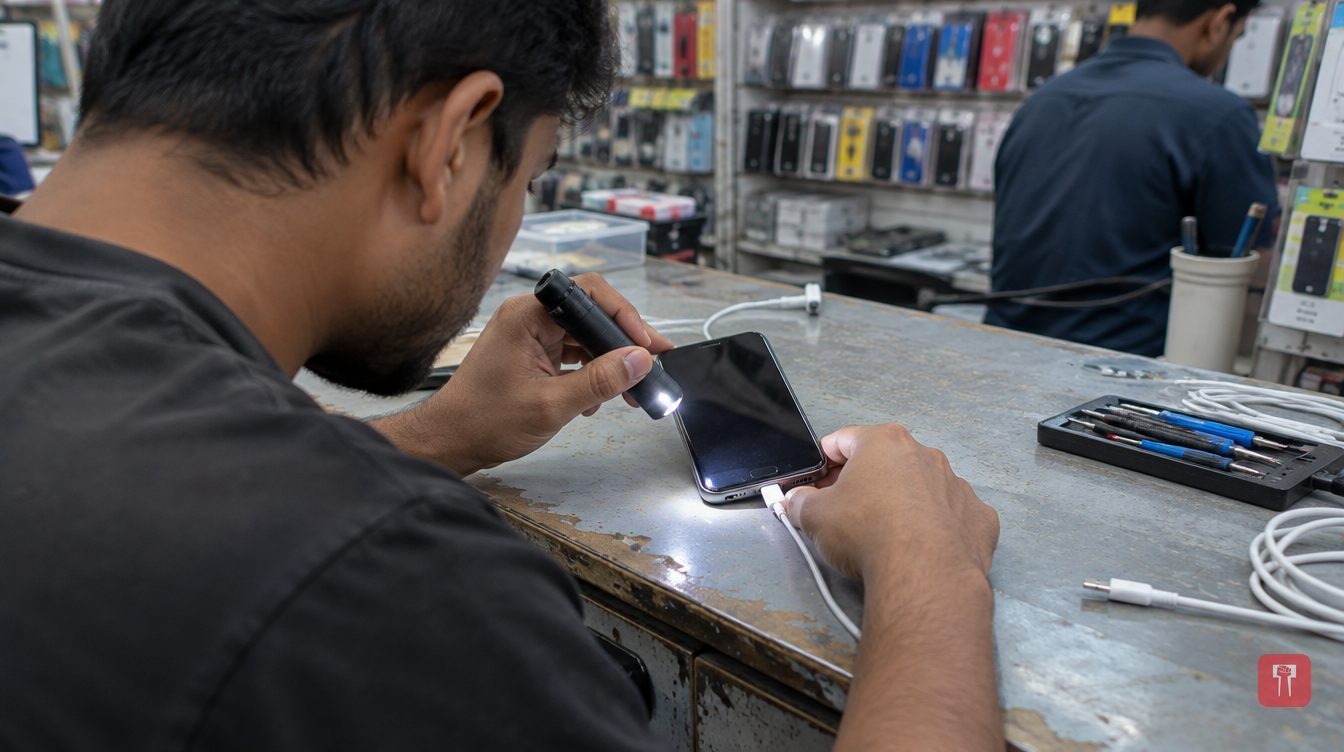
Most people rush to put their smartphone on charge as soon as the battery drops below 20 per cent. In that hurry, they can unknowingly make mistakes that damage the phone's USB Type-C port. A damaged port can mean repair costs or a trip to a service centre.
The port is not only for charging. It is also needed for other tasks such as data transfer, so a damaged port can leave many things stuck. Here are the causes that can damage a phone's USB Type-C port.
The first mistake is forcing the cable in. If the cable is inserted the wrong way or with force while charging, the connector inside the port can be damaged. A USB Type-C connector fits into the phone from either side, so no force is needed to plug it in. If the cable does not go in, take it out and try again.
The second cause is dust and dirt collecting in the port. If the phone is kept in a pocket, a bag or a dusty place, dust or small particles can build up in the port. The charging cable then does not connect properly and the phone may keep disconnecting from charging. Do not use any sharp object to clean the charging port. If needed, have someone who knows how to do it clean the port.
The third mistake is using the phone while it is charging. Using the phone during charging can put strain on the cable, especially if you keep moving the phone or the cable bends. This can damage not just the port but also the cable connection. Try to keep the cable straight during charging and avoid putting pressure on the connector.
The fourth point is a wet port. If there is moisture or water in the phone, plugging in the charging cable can be dangerous. It raises the risk of rust in the port or electrical damage. Avoid plugging in the charger if the port is wet.
