

Important emails landing in Gmail spam? Contacts and filters can fix it
Google says important mails go to spam when they are not marked "Not spam", the sender is not saved in Contacts or no filter is set.
 Images are not validated/verified
Gmail users often find that important emails land in the spam folder instead of the inbox. The problem worsens when messages from an important company, bank or office keep piling up in spam.
Google says the problem arises when emails that reach the spam folder are not marked "Not spam". Those facing it can solve it with a few simple steps.
According to the company, one reason an important email goes to spam is that it was not taken out of the spam folder and marked "Not spam". Important emails can also end up in spam if the sender's email address is not saved in Google Contacts or the right filter has not been set.
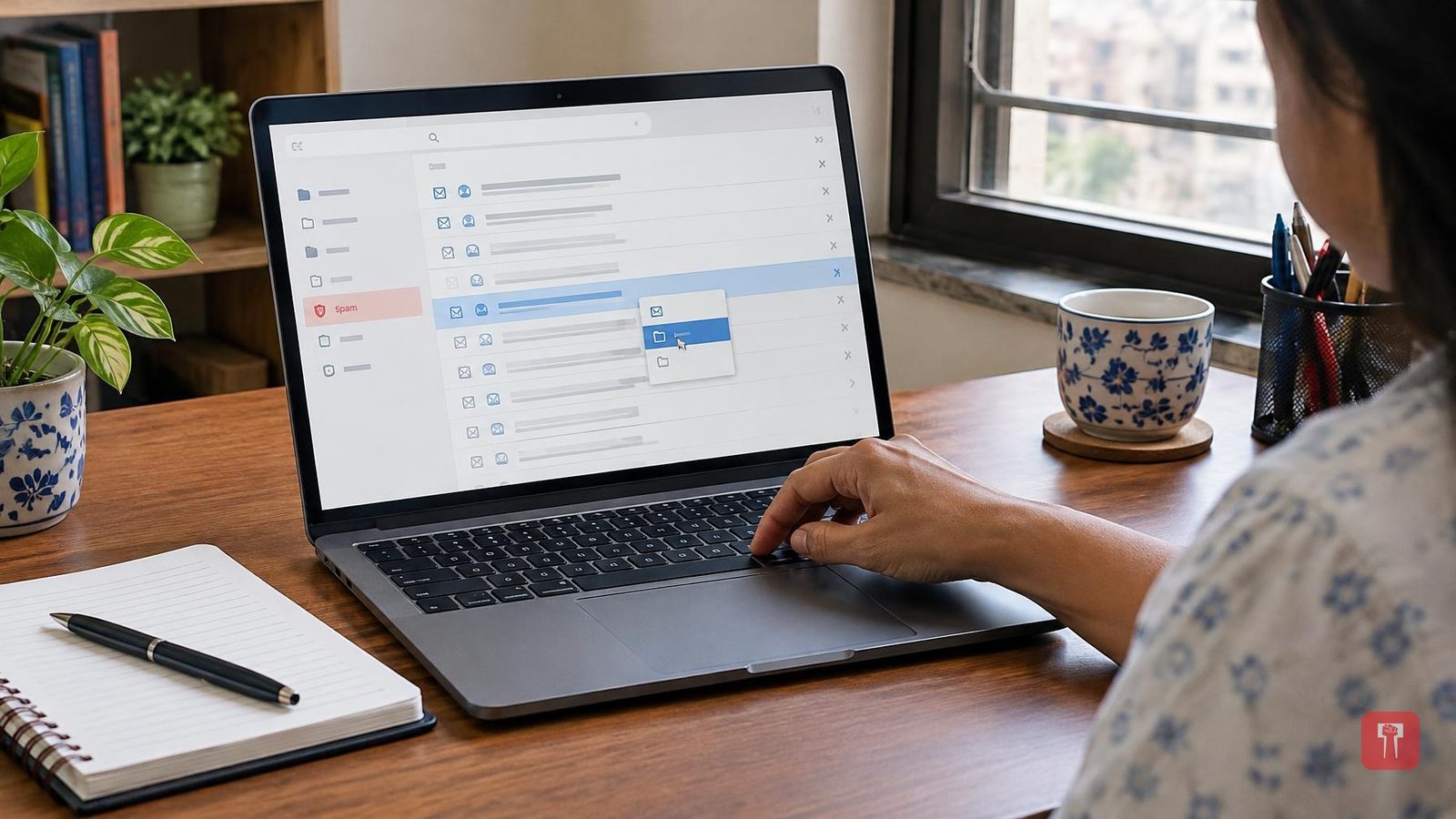
First, open Gmail and go to "More" on the left. Then open the spam folder. Select the email you want in the inbox and click the "Not spam" option at the top. The email will leave the spam folder.
The second method is to save the trusted sender's email address in Google Contacts. For this, open Google Contacts and choose "Create contact". Then fill in the sender's name and other necessary details and save the contact. This helps Gmail recognise the sender and lowers the chance of the emails going to spam.
If emails from a particular sender keep going to spam, a filter can be created for that sender in Gmail. This has to be done by opening Gmail on a computer. Open Gmail and select "Show search options" in the search bar at the top. Then enter the sender's email address in the "From" field and click "Create filter".
After that, the "Never send it to Spam" option will appear. Click it, and then click "Create filter". This instructs Gmail not to send that sender's emails to spam. If emails from a trusted sender keep going to the spam folder, this setting can prove one of the most useful tricks.
