

Five hidden smartphone button tricks, from emergency SOS to instant screenshots
The side buttons on your phone do far more than adjust volume and power, unlocking SOS alerts, quick camera access and force restarts
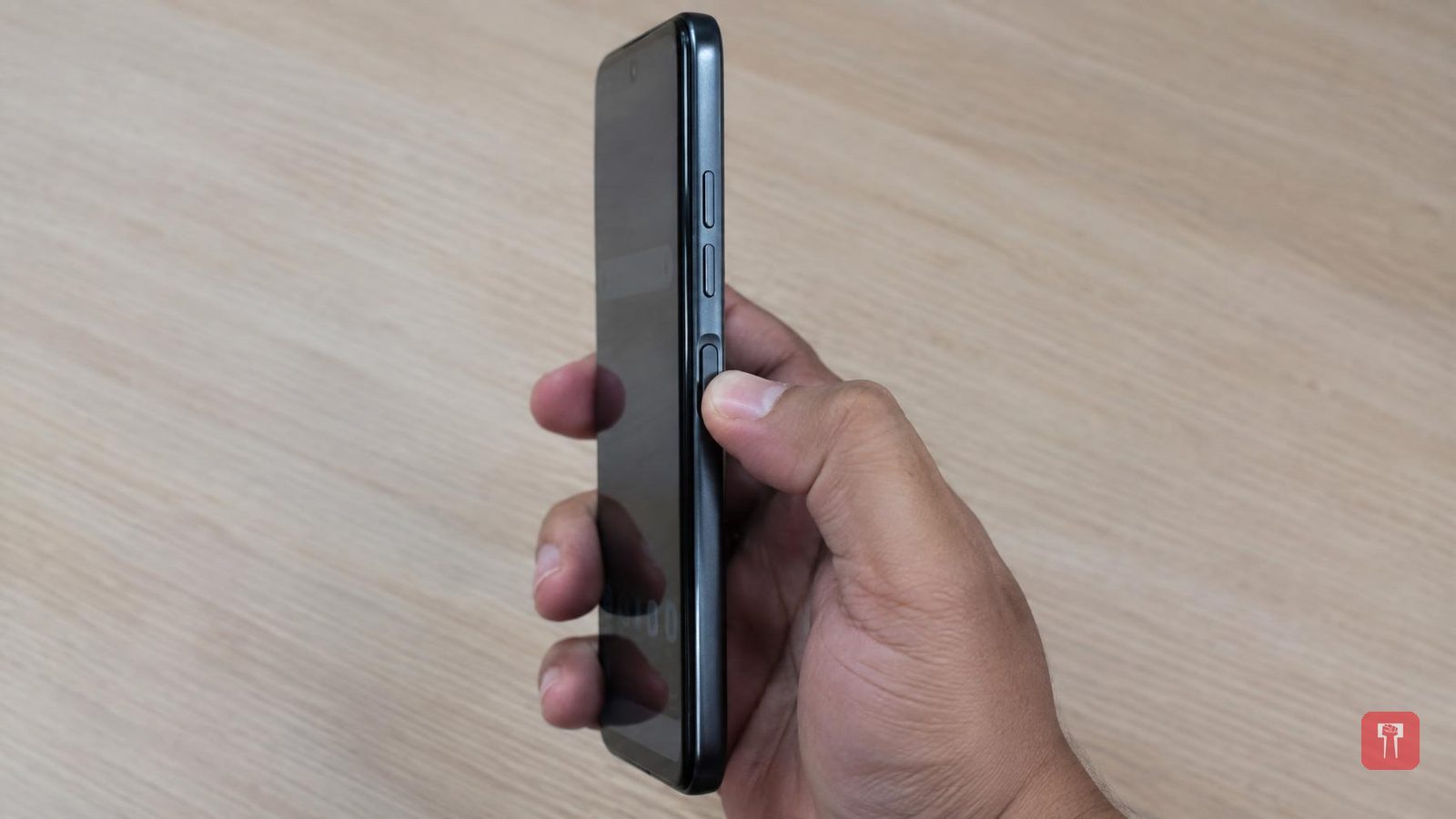
The phone in our hands all day is used constantly, but few people know the real value of the three buttons on its side. Most assume these buttons are only for adjusting volume and switching the phone off. In truth, these three buttons hide several secret tricks that can make everyday tasks easier and faster.
The first is the emergency SOS feature, especially important for women and the elderly. In a crisis, this feature can be lifesaving. It requires pressing the power button three times. Doing so sends your location directly to nearby contacts and to 112, the police number, bringing quick help. It is worth turning this setting on today.
The second trick lets you open the camera without unlocking the phone. Often a special moment appears and there is no time to unlock the phone and find the camera app before it passes. The shortcut is to press the volume-down button twice while the screen is off, and the camera opens directly. This trick works on both Android and iPhone. iPhone users can also set the Action Button to open the camera.
The third benefit helps take a good photo with one hand. On a phone with a large screen, taking a selfie with one hand is difficult, as touching the on-screen button can shake the phone and spoil the photo. The easy way is to press either volume button while the camera is open, which gives a steadier photo. Holding down the same button starts video recording.
The fourth trick is for taking screenshots. Instead of swiping with three fingers, press and hold the power button and the volume-down button together, and a screenshot is ready in a second. On some phones, pressing the power button and volume-up button together starts screen recording, which can be checked in settings.
The fifth and final trick is for when the phone hangs. Heavy use or a full RAM can cause the phone to hang, with the screen freezing completely and nothing responding. There is no need to worry: press and hold the power button and volume-up button together for 10 to 15 seconds. This forces the phone to switch off and restart, known as a force restart, which fixes a hung phone immediately.
These small tricks may seem minor, but they are genuinely useful. Companies have deliberately built in these features to save users time. They can be set up as preferred in the button shortcuts section of the phone's settings. Once tried, using the phone will feel even easier.
