

One wrong click while shopping online can empty your bank account: 3 tips
As online shopping fraud rises, experts say checking links, avoiding card storage and enabling two-factor authentication can keep your money safe.
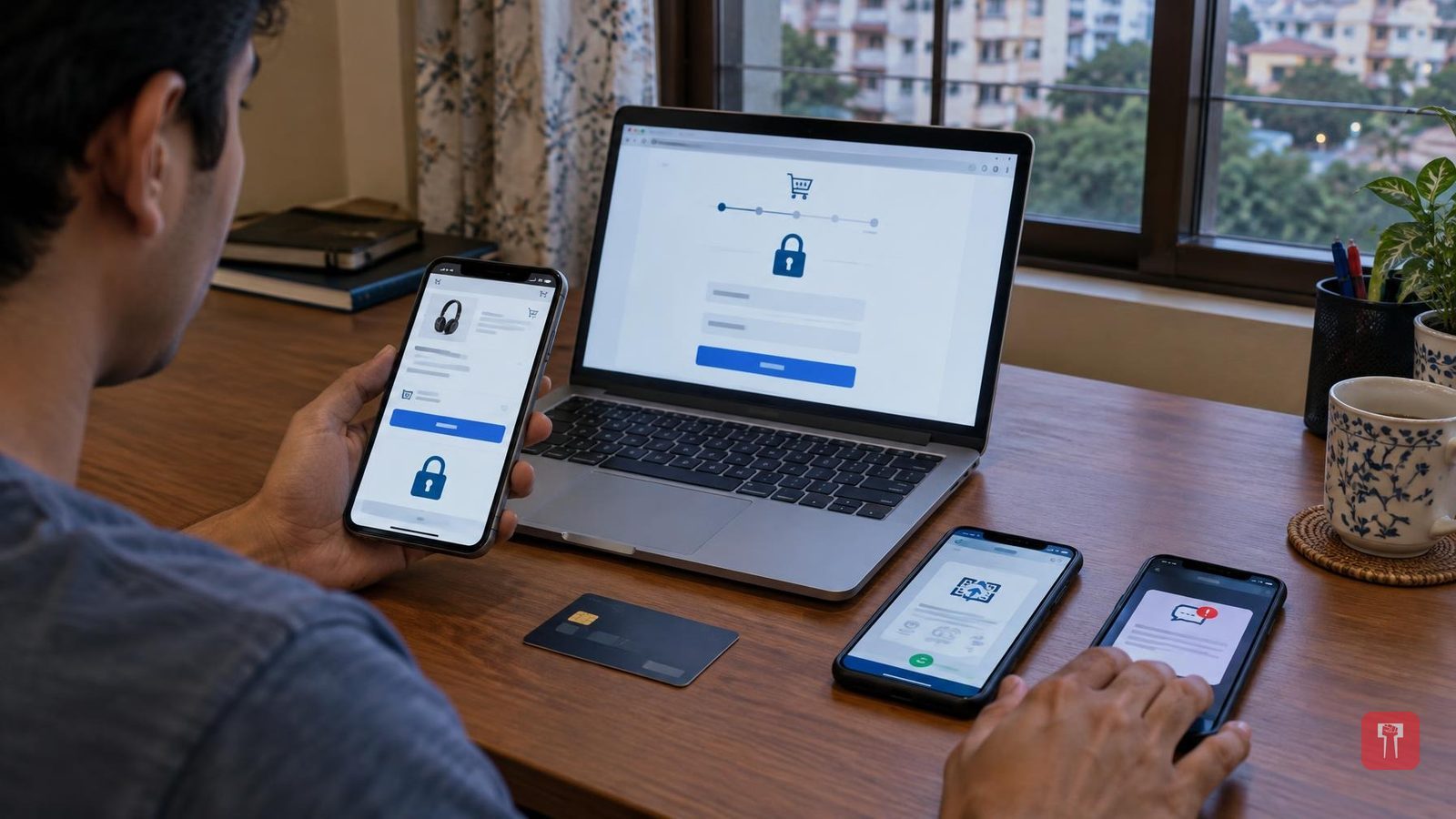
As the number of online shoppers grows, so does the number of cyber fraudsters. Luring people with big discounts has become their new tactic. Clicking on a wrong link can empty a bank account. But there is no need to panic if just three things are kept in mind, and no one will be able to cheat you.
The first thing is to check the link, that is, look closely at the URL. Fraudsters create fake websites that look like those of big companies. For instance, if there is a website called Amazon, they will create one called Amazn, which looks exactly like the real one. This is called phishing. The way to identify it is to check the link at the top before buying anything from any site. The link should begin with https://, where the 's' stands for Secure. A lock symbol also appears next to the link, and only then is the site considered safe. If the link shows a spelling error, such as something like flipkart-offer-loot instead of flipkart, do not enter your mobile number or bank details there by mistake, because that is definitely a fake site.
The second thing is not saving your card and using UPI instead. Many people, in a hurry while making a payment, save their debit or credit card on the app for convenience next time. But this is the biggest mistake. If that shopping site gets hacked, all the card information can fall into the hands of fraudsters. So while making a payment, one should choose the option called Tokenization, in which the card's real number is hidden and a separate code is generated, keeping the card safe. Whenever possible, paying through UPI is the best option. Or choose cash on delivery, that is, pay only when the goods arrive. Never share the OTP with anyone, because banks never ask for an OTP.
The third thing is having two locks and not clicking on useless links. Sometimes a message comes on WhatsApp or Instagram saying "90% discount, click now" or "You have received a free gift". Such links should never be clicked, even by mistake. As soon as that link is clicked, a virus called malware enters the phone, which steals all the bank information. To avoid this, keep Two-Factor Authentication, that is, a double lock, enabled on all shopping apps and banking apps, so that even if someone learns the password, they will not be able to open the account, because a fingerprint or OTP will also be required. Always download apps only from the official Play Store, and never take any app from an outside link.
Keep in mind that the big discount shown in the name of online shopping can sometimes also be a trap. A little caution will keep your money completely safe.
