

How to update your PAN card photo or signature online
Old photo or signature on your PAN card can now be updated from home using an online correction request
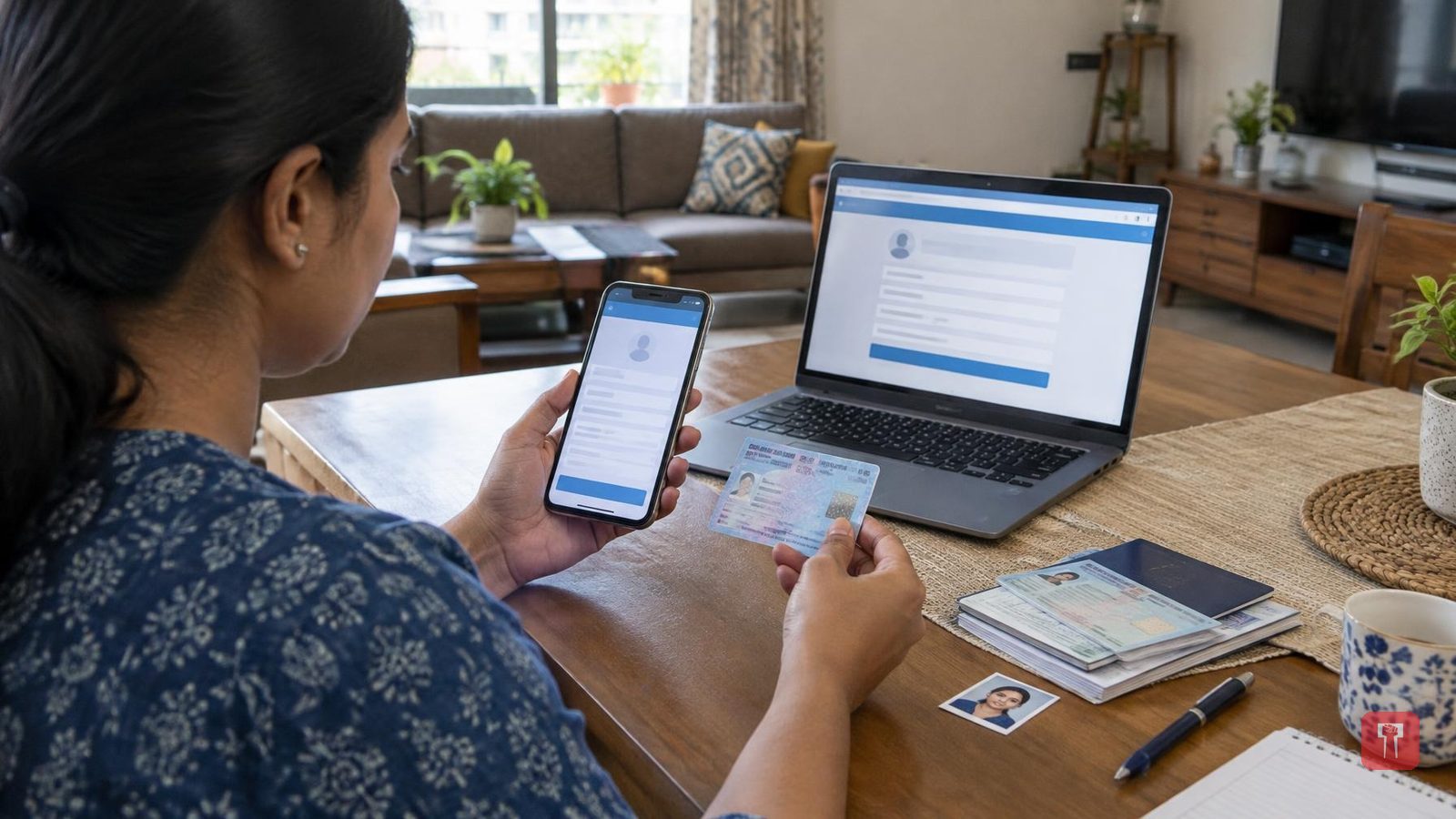
A PAN card is as essential as an Aadhaar card for government work and banking. It is treated as an official document, and every individual is required to have both an Aadhaar card and a PAN card. A PAN card used over many years can become outdated, requiring the photo and signature on it to be changed. Aadhaar is also linked to PAN, allowing a person's complete details to be accessed online with a single click.
People usually apply for a new PAN card when the photo or signature on it needs to be updated. But this can also be done from a phone instead. The process to update the existing PAN card's photo and signature from home is simple. By filing an online correction request and filling in all the required details correctly, the PAN card gets updated and the change in signature and photo becomes visible.
While filling in any details online, it is important to first check the website, as entering information on the wrong website can cause harm. The necessary documents and a scanned copy of the new photo and signature should be kept ready. The applicable fee will also have to be paid while filling the form. An Aadhaar card or driving licence may be required before applying to change the photo or signature on the PAN card. A digital copy of the new passport-size photo and a clear image of the new signature should be kept ready. It should be checked whether the photo and signature are in the size and format specified on the portal.
To change the photo and signature on the PAN card online, the applicant must first visit the website for the online application. From there, select the option for changes or correction in existing PAN data. Choose "Individual" as the category and fill in basic details such as name and date of birth. After submitting the form, a token number will be issued. Next, click on the option to proceed with the PAN application, and then fill in the details related to the PAN application.
Where the option to submit scanned documents appears, select the option to submit the scanned image through e-Sign. If a new physical PAN card is required along with the correction, select "yes" in the relevant option. Next, fill in the required details related to parents and proceed. After selecting identity proof, upload the digital copy of the new photo and signature, ensuring both files are in the format and size specified on the website.
After filling in all the details and uploading the documents, pay the fee. Once the payment is complete, enter the Aadhaar number to complete the verification process. After entering the OTP received on the mobile number linked to Aadhaar, the application will be submitted. The acknowledgement received should be kept safely.
