

Ayushman card details can now be updated on mobile app; e-KYC in seven steps
Eligible beneficiaries of PMJAY can complete e-KYC and card-related processes through the authorised Ayushman App, and are advised to use only official channels.
 Images are not validated/verified
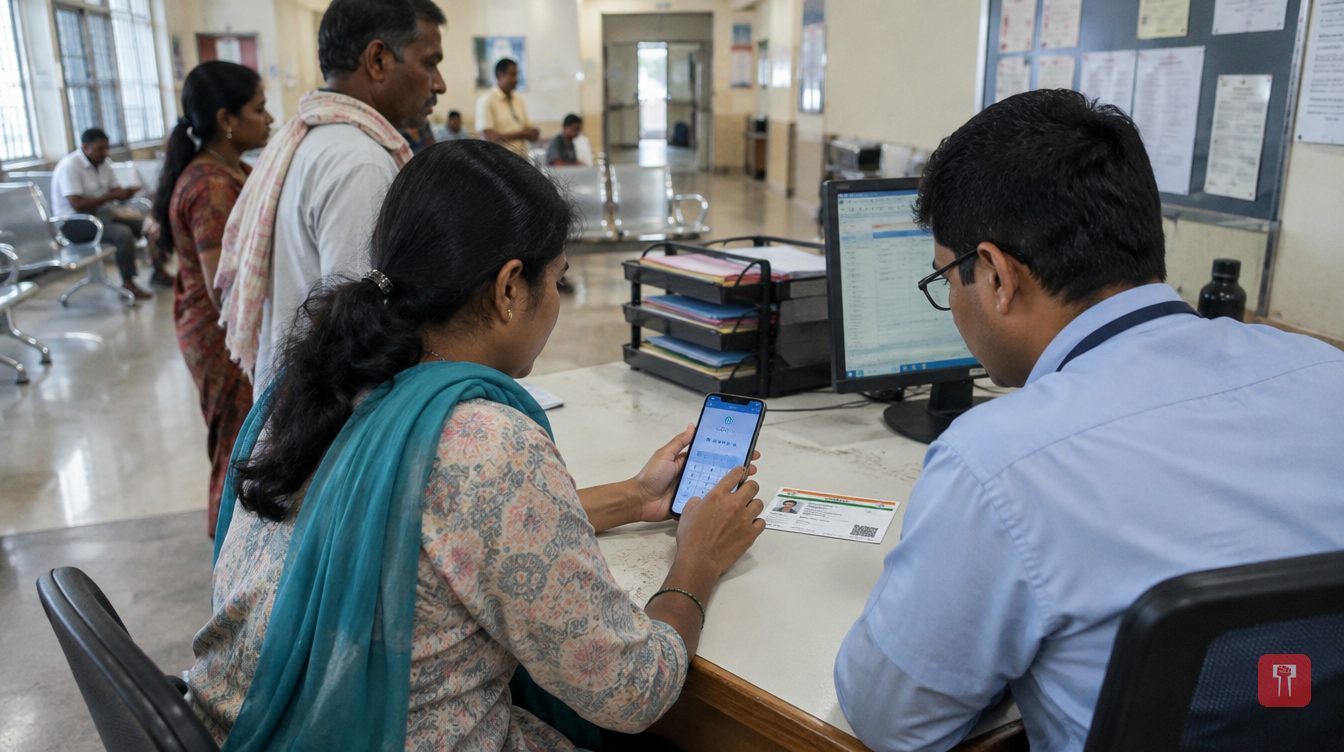
Beneficiaries of the Ayushman Bharat Pradhan Mantri Jan Arogya Yojana (PMJAY) must ensure that the details on their Ayushman card are correct. Errors in the name, date of birth, photograph or Aadhaar-linked details on the card can cause trouble at the time of verification. With the help of the authorised Ayushman App, eligible beneficiaries can carry out e-KYC and card-related processes from their mobile phones.
Under this Central government scheme, eligible families are given health cover of up to Rs 5 lakh a year for hospital treatment. Cashless treatment may be available at government and private hospitals empanelled under the scheme, as per the rules.
However, verification of the beneficiary's identity and eligibility is necessary to avail of this facility. If the details on the Ayushman card do not match Aadhaar or the related records, there is a possibility of difficulty during verification at the hospital. It is therefore important to check the card details and make the necessary corrections.
Step one: Download the authorised Ayushman App from the Google Play Store on your Android phone. Check that the source is authorised while downloading.
Step two: Open the app and choose the Login option. Then select Beneficiary, if that option is available. Enter your mobile number and the OTP you receive.
Step three: After logging in, select the state, scheme and district as required. Then, depending on the options available, search for the beneficiary's details using the ration card, family ID or Aadhaar number.
Step four: If the details of family members appear on the screen, select the name of the beneficiary concerned. Then click on the Identify or e-KYC option.
Step five: Depending on the options available in the app, choose Aadhaar OTP or Face Authentication. If you opt for OTP, enter the OTP sent to the mobile number linked to Aadhaar. For Face Authentication, complete the authorised procedure required.
Step six: After Aadhaar verification, carefully check the name, date of birth and other details shown on the screen. If the app has an option to update the photograph or additional information, complete the process as instructed.
Step seven: After checking all the details, click Submit. Check the status of the application in the app. If approval is required, wait for the decision of the department concerned for the process to be completed.
After the e-KYC or correction process is complete and the necessary approval has been received, look for the option to download the card in the app. If the card is available, it can be downloaded as a PDF and saved on the phone. Before going for treatment, make sure that the hospital is empanelled under the scheme and that your eligibility is active.
While updating the card, beneficiaries should use only the authorised app or an authorised service centre. Do not share the OTP, confidential Aadhaar-related information or other sensitive details with unknown persons. Do not accept without confirmation from official notification any claim that e-KYC is mandatory for all cardholders or that benefits will stop if the card is not updated.
For the latest information on the requirement of e-KYC, the options available and the validity period of card approval, check the official Ayushman Bharat PMJAY portal or the nearest authorised service centre.
