

Wi-Fi keeps dropping? 10 easy fixes you can try in 5 minutes
Before calling the company engineer, try these simple router and phone fixes that solve most Wi-Fi outages at home.
 Images are not validated/verified
People working from home often face the problem of Wi-Fi dropping out in the middle of a meeting. The first reaction is usually to call the company's engineer, but that is not always necessary. In most cases the internet goes down for small reasons and can be fixed at home itself, whether it is an IP address glitch or the router placed in the wrong spot. Here are some simple tricks to get the internet working again on your own.
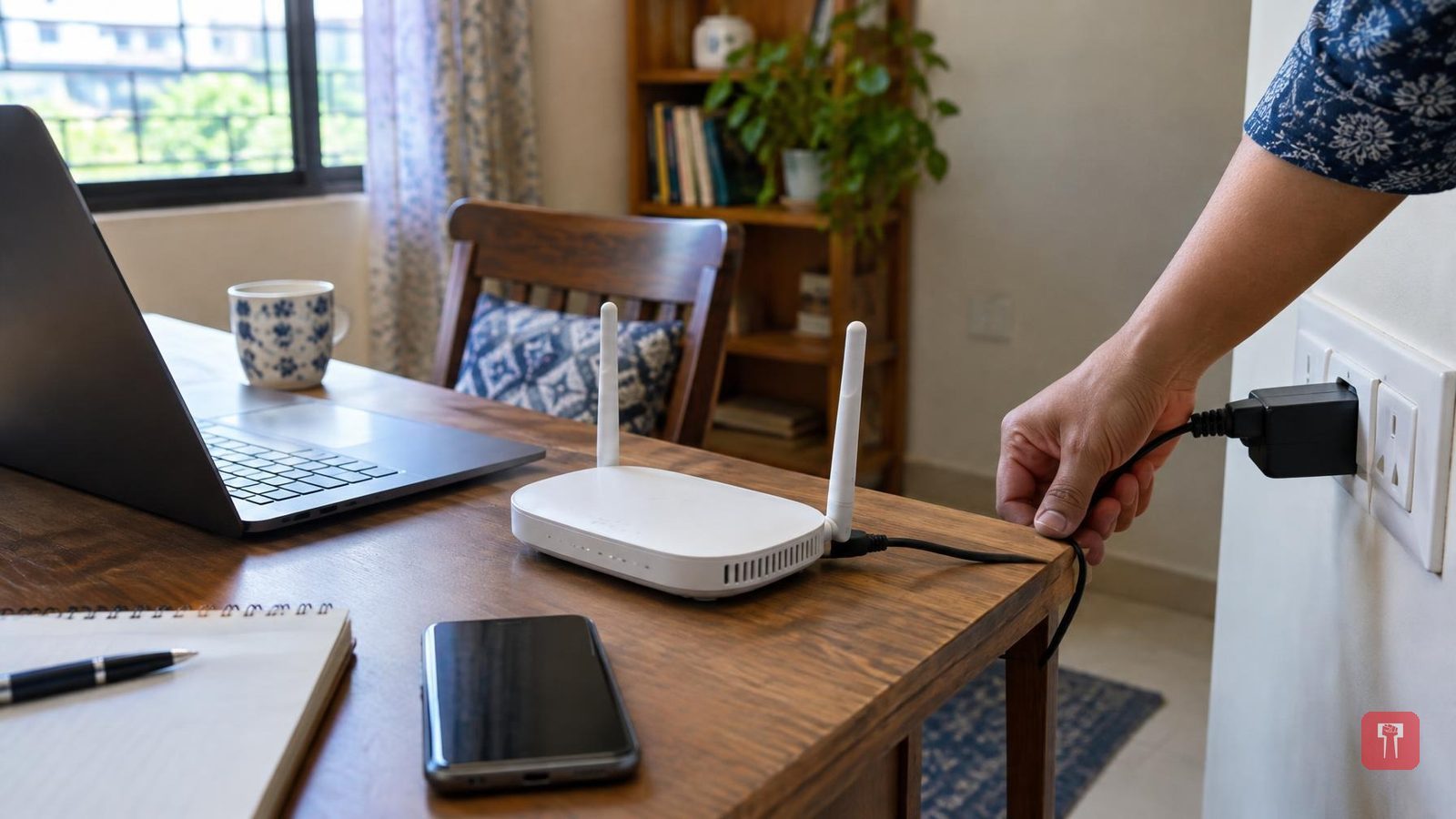
The first and oldest trick is to switch the router off and on again. Turn off the router's button, unplug it, and wait 30 seconds. Do not rush this step. After 30 seconds, plug it back in and switch it on. This clears the router's memory and refreshes it. In 80 percent of cases, this alone brings the internet back.
Next, check the small lights on the router. These are usually labelled Power, PON, LOS and Internet. If the LOS light has turned red, it means the cable outside is cut or the company's network itself is down. There is nothing you can do about this yourself, you will need to call the company. But if all the lights are green and the internet still is not working, the problem is with your mobile phone.
Sometimes while cleaning the house, or because of children or pets, the router's cable gets disturbed. If the yellow or blue fibre cable at the back comes loose, the internet goes off. Check behind the router to see that all the cables are properly connected.
If only your phone's Wi-Fi is not working while everyone else's phone is fine, turn on airplane mode on your phone for 5 seconds and then turn it off. This refreshes the phone's network and it picks up the Wi-Fi signal again.
Another effective method is to go into your phone's Wi-Fi settings, press and hold your Wi-Fi network's name, where a "Forget Network" option will appear. After clicking it, find the same Wi-Fi network again, enter the password and connect. This often clears up IP address glitches.
Many people hide the router inside a cupboard or in a corner against the wall, which should not be done. The Wi-Fi signal should reach every part of the house, so the router should always be kept in the middle of the house and a little elevated, not on the floor or behind a wall. Keeping it in an open space also gives better speed.
If 4 phones, a TV and a laptop are all running on the same Wi-Fi at once, the internet is bound to slow down because the speed gets divided among all of them. So switch off Wi-Fi on devices that are not in use, and if nobody is watching the TV, keep that switched off too. If the router shows both 2.4GHz and 5GHz networks, always connect to 5GHz as it gives higher speed. The 2.4GHz band gets interference from other electronic items in the house such as microwaves, while 5GHz stays clean.
