

How to spot hidden apps on your phone via Play Store and settings
Two simple checks, one through the app store and one through phone settings, can reveal apps hidden from view within minutes.
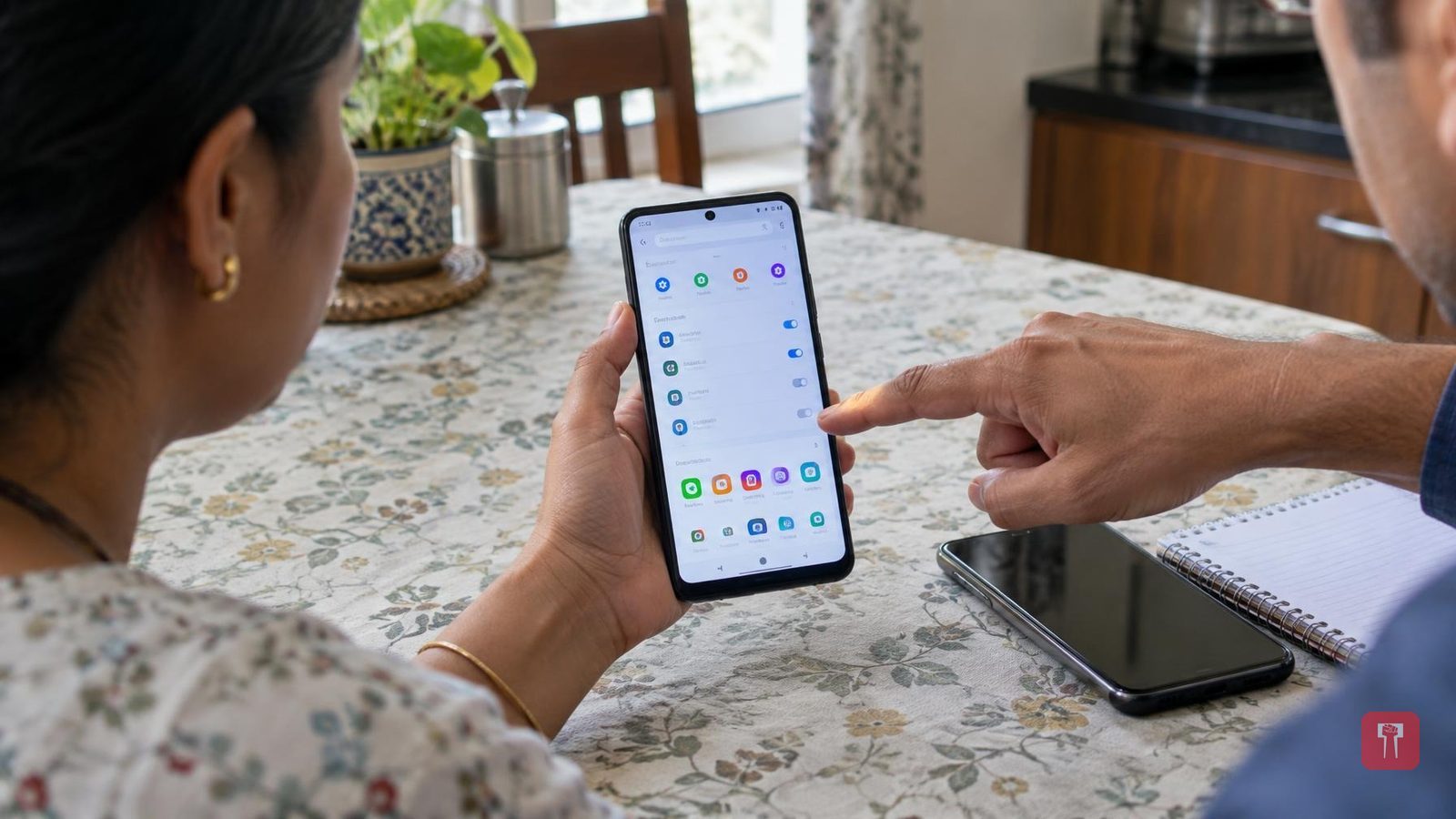
Hiding an app on a phone can be useful, letting a person keep private or important apps away from prying eyes. But the same feature can also cause trouble, especially for parents whose children use certain apps on the phone without their knowledge. Such hidden apps can sometimes prove risky for children. If someone suspects their child or partner is hiding an app on their phone, there are two easy ways to check: through the app store, and through the phone's settings.
The first way to find hidden apps on an Android phone is to check the Google Play Store. Even if an app has been removed from the home screen or app drawer, it will still show up on the Play Store as long as it was not sideloaded. To do this, open the Google Play Store on the phone, tap the profile icon in the top right corner, go to Manage Apps and Devices, and then tap the Manage tab. Make sure the correct device is selected at the top, or the list shown will not be accurate.
On an iPhone, the process is a little different. Open the App Store and tap the profile photo on the right side of the screen. Then select the Your Apps option, which will show a list of all apps downloaded on the phone. It is worth noting that in the App Store, only apps currently installed on the phone show an Open button next to them; apps showing a Download button have already been uninstalled.
Besides the official app store, checking the list of apps in the phone's settings is another easy way to catch hidden apps. This shows every app present on the device, including ones that have been deliberately hidden. The exact options may vary by phone maker. On a Google Pixel or Motorola phone, open Settings, go to the Apps option and tap See All at the top. On a Samsung phone, choose the Apps option in Settings, tap the filter icon, and select Installed By You, which will show a list of downloaded apps. On iOS, hidden apps do not appear directly on the Apps page but are kept in a Hidden Apps menu, which can also be found in a Hidden Apps folder at the bottom of the App Library; opening it requires Face ID or a passcode.
