

How to save Instagram photos and videos directly to your phone
A quick guide to downloading Instagram photos, videos and Stories straight to your phone's camera roll.
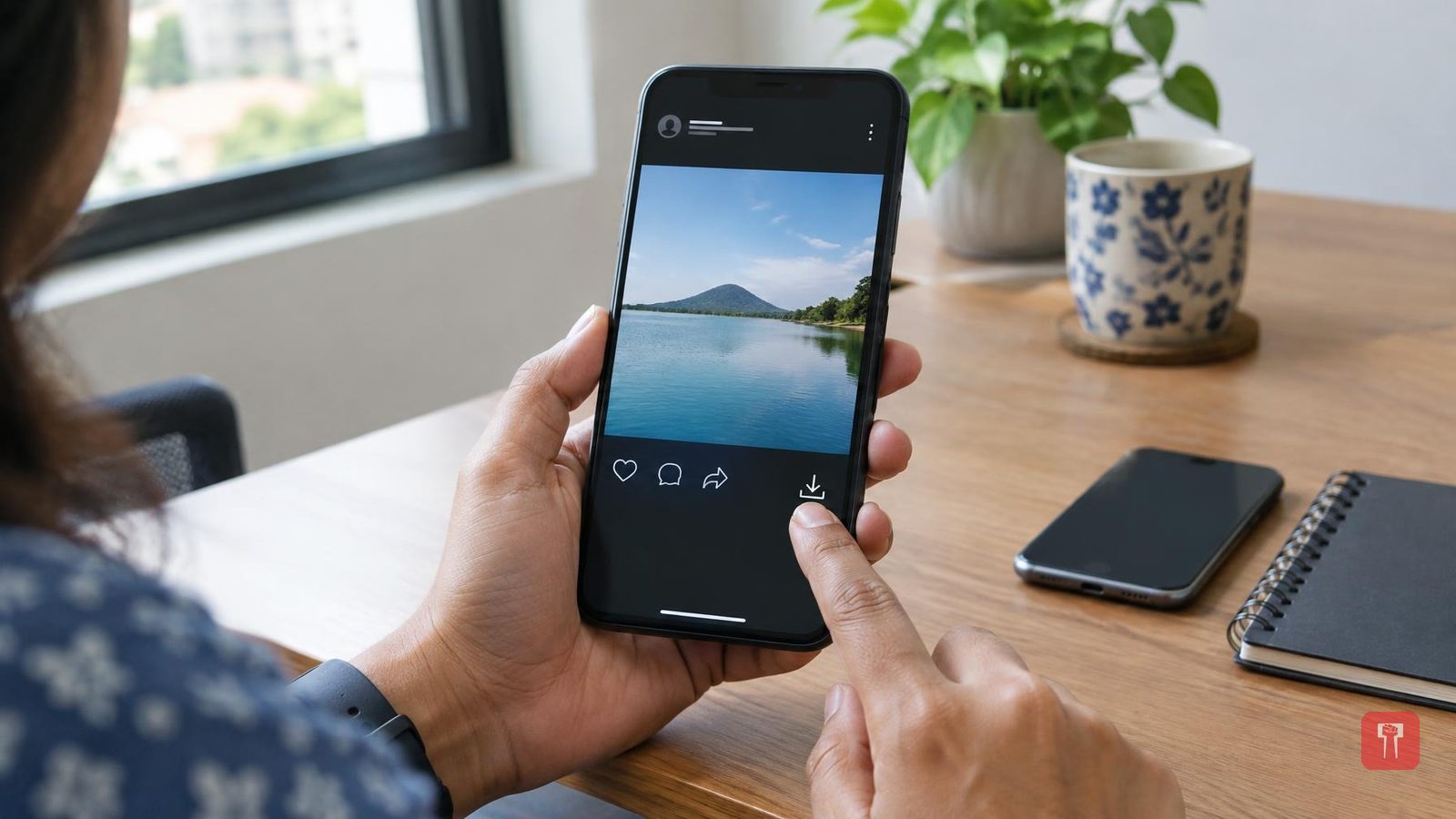
Instagram is one of the most popular social media platforms today, with hundreds of millions of users. It launched with just photo-sharing, but over time added video and Reels, along with several other features that helped it grow quickly in popularity. One such feature makes it easy to save photos and videos from the app in just a few seconds.
Users often delete photos or videos from their phone after posting them on Instagram, to free up storage. Later, if they need those files again, the question is how to get them back. This is where Instagram helps: it lets users download photos and videos directly to their phone's camera roll. Along with posted photos and videos, Instagram Stories can also be downloaded to the phone. A few simple steps need to be followed for this.
To download a photo or video you have posted on Instagram, first open the Instagram app on your phone. Then tap the profile photo shown in the bottom right corner of the screen. Select the photo or video you want to download. Tap the share button on that post, where a download option will appear. Tapping it saves the photo or video to your phone.
There is also an option to turn on automatic downloading while posting a photo or video. To do this, tap the menu icon in the top right corner of the profile page. Scroll down and tap on the "Your app and media" section. Then tap "Archiving and downloading" and turn on the "Save to camera roll" option.
To download photos or videos from an Instagram Story, open Instagram and tap the profile photo in the bottom right corner. Open the story you want to download. Tap the three dots in the bottom left corner of the screen to open the menu, then tap the save button directly. This saves the story to the phone as well.
