

ChatGPT can now make GIFs from a text prompt or your own photo
 Images are not validated/verified
The feature, which arrives with OpenAI's Images 2.6 update, also lets users edit a GIF's speed and frames and share it directly to WhatsApp and Instagram.
ChatGPT users will no longer need to open another app to make a GIF. They can type a line or upload a photo, and ChatGPT will create an animated GIF for them.
Until now, people searched for GIFs on Google and sent the same old ones everyone had seen. With the new feature, users can make the GIF they want themselves.
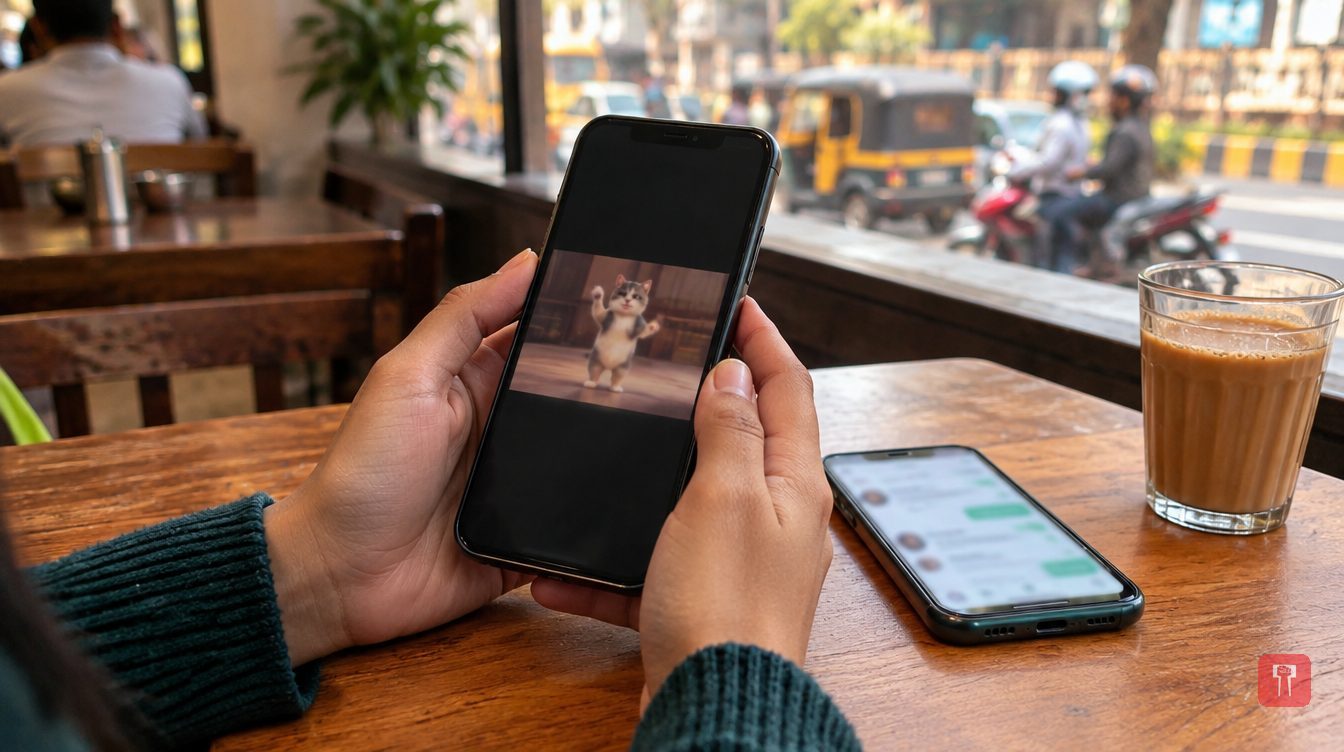
For example, if a user asks ChatGPT for a GIF of a dancing cat, a dancing cat will appear within seconds. The animal and the style can both be specified by the user.
GIFs can also be made from a user's own photo. A user can upload a photo and ask ChatGPT to make the person laugh or wink, and the photo will be animated. A still photo can be made to laugh, get angry or look surprised. Such personalised GIFs can be used for birthday wishes to friends or to placate someone who is upset. Once made, the GIF can be shared directly on WhatsApp and Instagram.
ChatGPT will also offer editing. Users can set the speed of a GIF anywhere from 0.5x to 2x, slower or faster as they wish.
Each frame of a GIF can be viewed separately, and a frame that does not suit can be replaced. If the whole GIF does not turn out as wanted, the user can tweak the prompt and ChatGPT will make a new one. A finished GIF can be shared in one click, with no need to save it and upload it again.
The feature comes with OpenAI's new Images 2.6 update. The update has also made image generation considerably faster. OpenAI has said that more than 4 billion images are currently being created with ChatGPT every week. The figure is expected to grow further now that GIFs have been added.
The feature is meant to benefit everyone from ordinary users to content creators. Whether they make reels or memes, or simply want to have fun with friends, they will not need to learn separate editing tools.
It remains to be seen when the feature will reach all users.
Reach readers on the ward they actually live in.
Advertise with Prime Time 24Reach readers on the ward they actually live in.
Advertise with Prime Time 24Reach readers on the ward they actually live in.
Advertise with Prime Time 24Reach readers on the ward they actually live in.
Advertise with Prime Time 24
Comments
No comments yet. Be the first.