

How to add a nominee to your PF account online using Aadhaar e-Sign
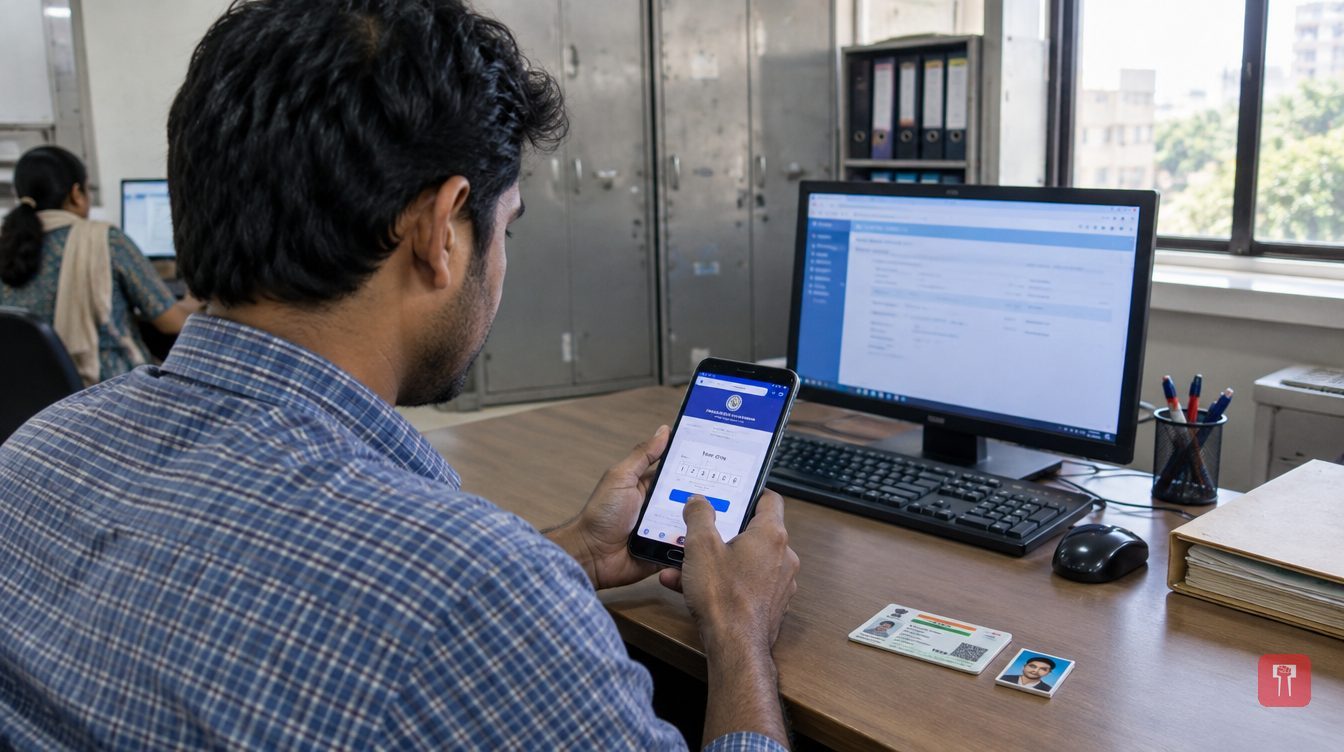 Images are not validated/verified
Account holders can now add a nominee to their PF account online using Aadhaar-based e-Sign and digital verification, often within minutes from a mobile phone.
While in employment, most people focus on the savings in their PF account, but one important step is often missed: adding a nominee to the account. A nominee must be on record so that the PF and pension benefits reach the rightful heir after the account holder's death.
Earlier, this meant approaching the company's HR department or completing paperwork. Now, Aadhaar-based e-Sign and digital verification allow the process to be done online. With the preparation in place, a nominee can be added from a mobile phone in a few minutes.
The e-Nomination facility is available on the official portal of the Employees' Provident Fund Organisation (EPFO). It uses the digital linking of the Aadhaar database with the Universal Account Number (UAN). According to guidelines issued by the Press Information Bureau, a nominee can be added online if the account holder's digital KYC is complete. The facility removes the need for the employer's approval each time. Once a nominee is recorded, claims for PF and for benefits under the Employees' Pension Scheme (EPS) after the account holder's death become easier to process. It is therefore important for employees to complete this task on time.
Some things must be ready before starting. The account holder's UAN must be active. The Aadhaar number and the mobile number linked to Aadhaar must be up to date. The account holder's profile on the EPFO Member e-Sewa portal must carry their address and a JPG or JPEG photograph smaller than 100 KB. The Aadhaar number, date of birth and bank account details of the person to be named as nominee should be at hand, along with a scanned passport-size photograph.
First, open the EPFO Unified Member Portal and log in with the UAN, password and captcha code. On the dashboard, click 'Manage' and select 'E-Nomination'. Check the personal details shown on the screen and click 'Proceed'. In the next step, choose 'Yes' to fill in details of family members. Then upload the nominee's details and the required photograph. An account holder can also add more than one nominee. In that case, each nominee's share must be fixed, and the shares of all nominees must add up to 100 per cent.
After filling in and saving all the nominee details, click the 'e-Sign' button in the final step. The account holder then enters their Aadhaar number. An OTP is sent to the mobile number registered with Aadhaar. Entering and submitting it completes the digital signature. On success, a green 'Nomination Successful' message appears in the nomination history, confirming that the nominee has been recorded.
EPFO has urged account holders to beware of cyber fraud. They should not share the UAN password or Aadhaar OTP with any unknown person or third-party website to complete e-Nomination. The entire process should be done only on EPFO's official government portal. Once it is complete, the PDF receipt bearing the digital signature should be downloaded and kept safe. Recording a nominee on time can help the family later in the process of receiving financial benefits.
Reach readers on the ward they actually live in.
Advertise with Prime Time 24Reach readers on the ward they actually live in.
Advertise with Prime Time 24Reach readers on the ward they actually live in.
Advertise with Prime Time 24Choose primetime24.com as a preferred source on Google Google shows more stories from your preferred sources in Top Stories.
Reach readers on the ward they actually live in.
Advertise with Prime Time 24
Comments
No comments yet. Be the first.