

CERT-In warns of security flaws in Android 14 to 17 phones, urges users to update
 Images are not validated/verified
The government's cyber security agency says flaws in key Android systems could put users' personal data at risk, and has advised them to update their phones as soon as possible.
CERT-In, the Indian government's cyber security agency, has issued an important warning for Android phone users. Incidents of personal data theft are rising by the day, and the agency says certain security flaws in phones could put users' personal data at risk. It has advised users to update their phones as soon as possible.
The warning applies to devices running Android 14, Android 15, Android 16, Android 16 QPR2 and Android 17. CERT-In has issued security advisory CIVN-2026-0536 on the matter. The agency says flaws have been found in some key phone systems, which cyber criminals can exploit to target devices. Users should therefore not take the warning lightly.
According to CERT-In, several security flaws have been found in key components of Android such as the framework and system. Hackers can exploit them to insert code into a phone and run it at will. Notably, in some users' cases the hacker would not even need to get them to click a suspicious link or download an app.
Most seriously, if a cyber criminal succeeds in exploiting these flaws, they can reach things that are not available to outsiders. This can directly affect users' personal information. Hackers can steal important data stored on the phone, obtain protected information or even crash the device.
Google has released updates to fix the flaws. The company also released the Android Security Bulletin for November 2026 on November 2. To address these problems, Google has issued security patches dated November 1 and November 5, 2026. Having the latest version of Android is not enough; it is also important to check which security patch is installed on your phone.
However, updates do not reach all smartphones at the same time. Samsung, Xiaomi, OnePlus and other companies release updates according to their own phones. Some users may therefore have to wait a few days or weeks for the update.
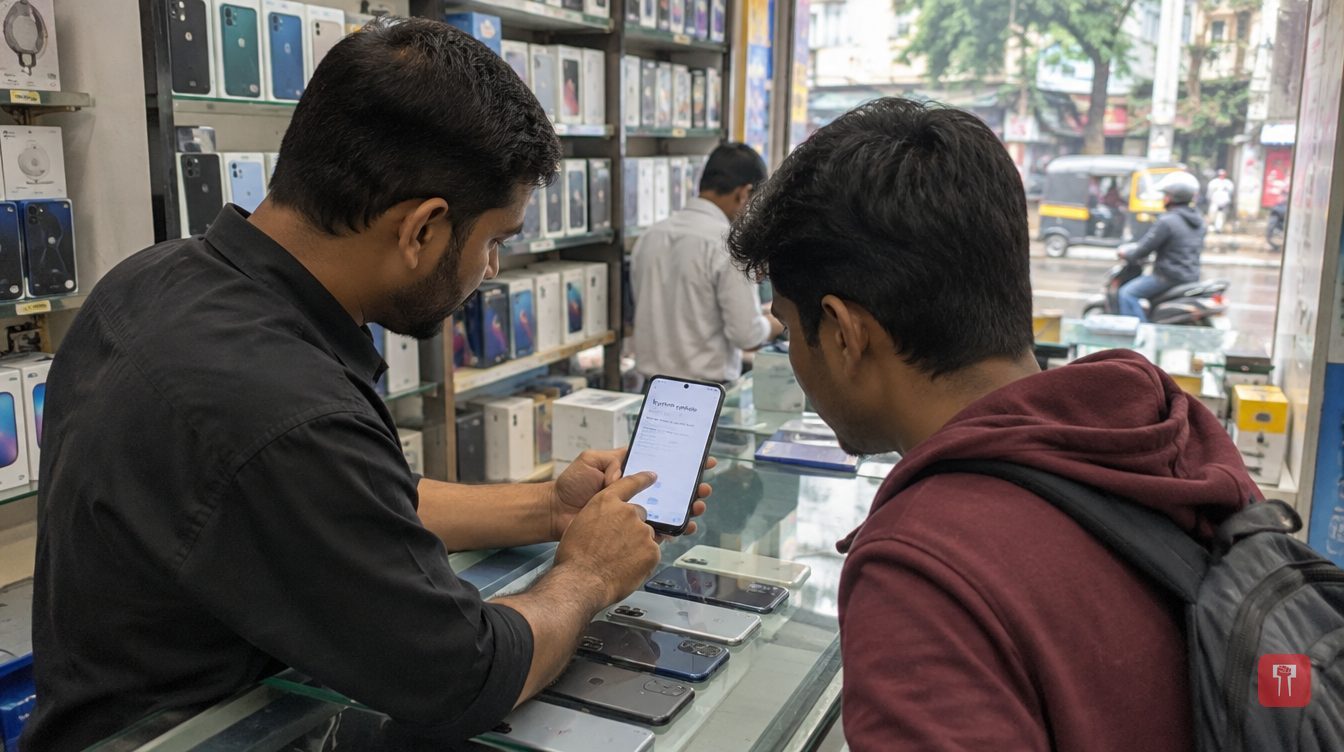
To find out whether your phone has received the new security update, you can check in Settings. First open the phone's Settings. Then go to the System or Software Update option. Tap "Check for Updates" there. If a new update appears, download and install it.
Reach readers on the ward they actually live in.
Advertise with Prime Time 24Reach readers on the ward they actually live in.
Advertise with Prime Time 24Reach readers on the ward they actually live in.
Advertise with Prime Time 24Choose primetime24.com as a preferred source on Google Google shows more stories from your preferred sources in Top Stories.
Reach readers on the ward they actually live in.
Advertise with Prime Time 24
Comments
No comments yet. Be the first.